Node18
Overview
Section titled “Overview”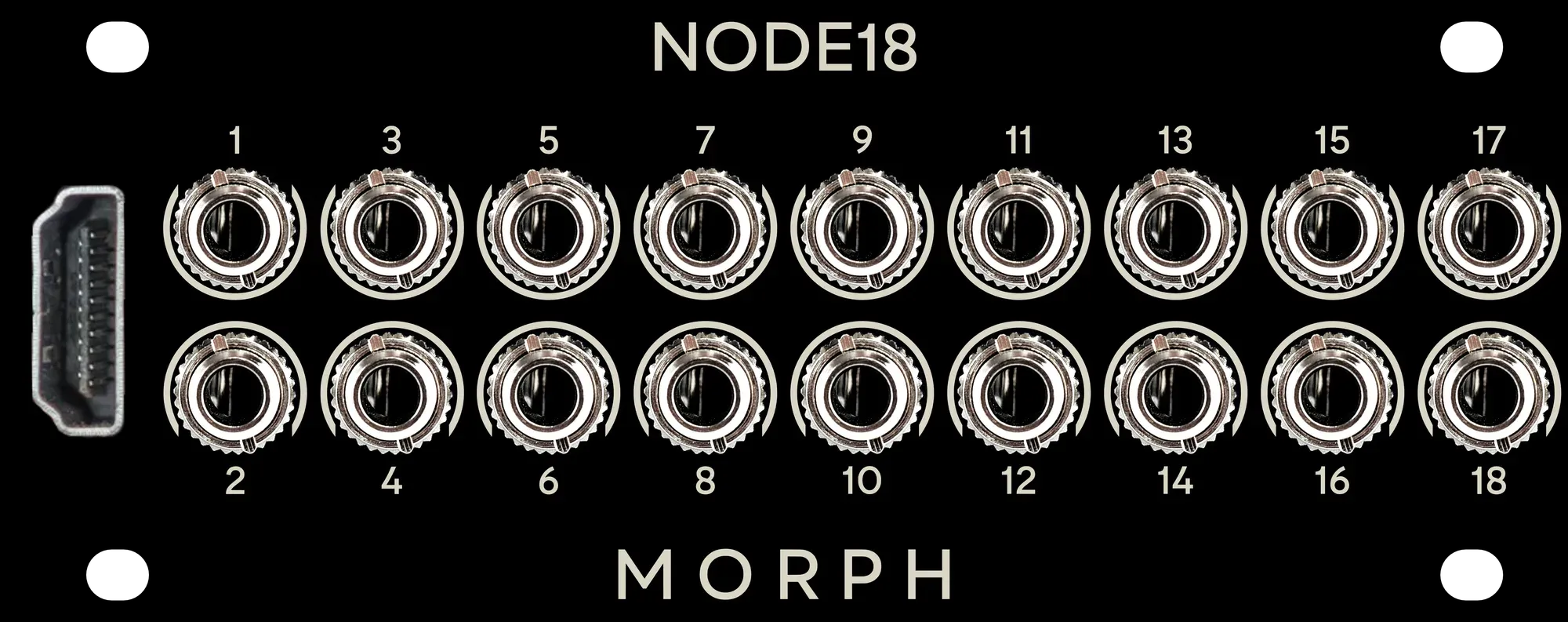
Node18 is a passive 1U utility module that sends up to 18 independent signals over a single HDMI cable. Use it to bridge the top and bottom of a case like the Explorer Case or a Monster Case, to connect two separate studio racks, or to interface with external desktop sequencers. Consolidating your patch points keeps your performance space clean, organized and easy to navigate.
Because Node18 is completely passive, it needs no power. Every jack works in both directions, so it carries CV, audio, gates, triggers and clocks either way.
Node18 is fully cross-compatible with the OXI Instruments OXI Pipe MKII. Its panel is reversible: on its Node18pipe face, Node18 becomes the OXI Pipe for the OXI One sequencer, bringing 18 channels of sequencing power directly into your 1U row with a single cable.
You choose the version in the shop:
- Pair: two Node18 modules with the Node18 face out, and an HDMI to HDMI cable to link them.
- Single (Pipe MKII compatible): one Node18 with the Node18pipe face out, and a Mini-HDMI to HDMI cable that runs from the OXI One to Node18.
Node18 in the Morph Modular shop
Specifications
Section titled “Specifications”| Item | Details |
|---|---|
| Format | 1U (Intellijel) |
| Width | 20 HP |
| Panel size | 100.0 × 39.65 mm |
| Depth | 15 mm |
| Power | Passive. No power header and no power cable, so it draws nothing from your case |
| Patch points | 18 × 3.5 mm mono jacks (Thonkiconn), bi-directional |
| Signals | CV, audio, gates, triggers and clocks |
| Cable connector | HDMI Type A socket (full size), on the left of the panel |
| Cable | Any HDMI 2.0 or newer (4K or higher) cable |
| Panel | Reversible: Node18 on one face, Node18pipe on the other |
| Weight | TODO |
| In the box: Pair | Two Node18 modules with the Node18 face out, screws, and an HDMI to HDMI cable |
| In the box: Single | One Node18 with the Node18pipe face out, screws, and a Mini-HDMI to HDMI cable |
Installation and safety
Section titled “Installation and safety”Node18 is passive. There is no power header and no power cable, so there is nothing to connect to your case’s power and nothing to get the wrong way round. It adds nothing to your power budget.
TODO: Step-by-step mounting in a 1U (Intellijel) row.Connecting the cable
Section titled “Connecting the cable”- Pair: connect the HDMI to HDMI cable between the two modules.
- Single: plug the Mini-HDMI end into the OXI One and the HDMI end into Node18.
The HDMI socket is on the front of the panel, so the cable runs out of the front of your case.
Any HDMI 2.0 or newer cable works, rated for 4K or higher, as for the OXI Pipe MKII. Longer cables can reduce the accuracy and quality of CV signals, so use the shortest cable that reaches.
Turning the panel over
Section titled “Turning the panel over”Each module ships with the face of the version you chose facing out. The panel is reversible, so the other face is on its back.
TODO: How to turn the panel over.Panel and connectors
Section titled “Panel and connectors”The panel is reversible, with a different face on each side. Both faces have the same 18 jacks in two rows of nine, with the HDMI socket on the left; only the printing differs. Both faces label every jack, so these drawings use the panel’s own labels rather than adding any.
Node18 face
Section titled “Node18 face”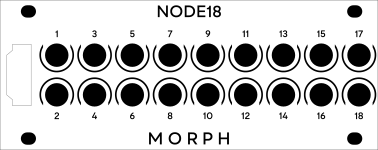
The jacks are numbered 1–18. The odd numbers run along the top row (1, 3, 5 … 17) and the even numbers along the bottom (2, 4, 6 … 18), so each column holds a consecutive pair.
Node18pipe face
Section titled “Node18pipe face”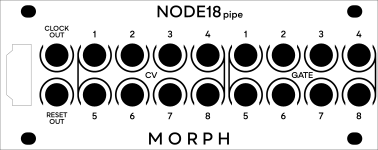
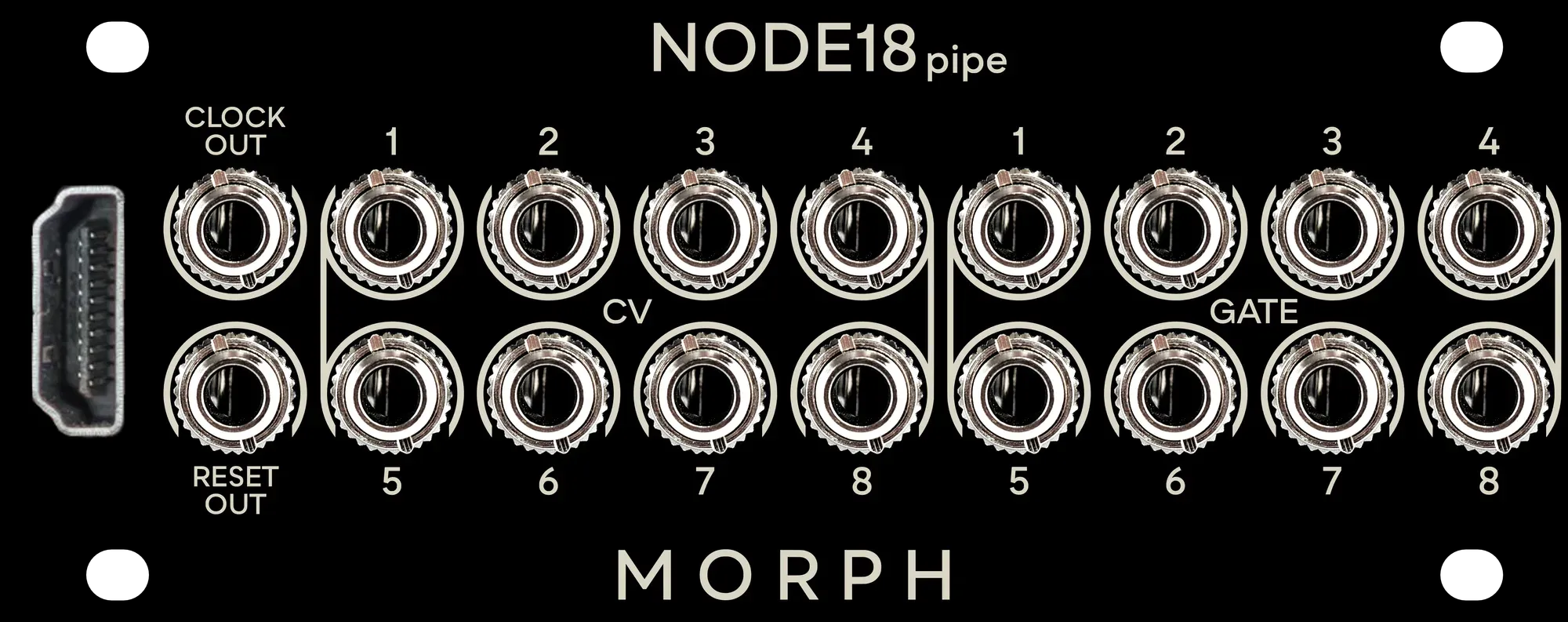
The Node18pipe face is the one for the OXI One. Left to right:
- Top row: CLOCK OUT, CV 1–4, GATE 1–4.
- Bottom row: RESET OUT, CV 5–8, GATE 5–8.
Connectors
Section titled “Connectors”| Connector | Type | Function |
|---|---|---|
| 18 jacks | 3.5 mm mono jack (Thonkiconn) | Bi-directional: CV, audio, gates, triggers and clocks |
| HDMI | HDMI Type A socket, full size, on the left of the panel | Carries all 18 jacks and ground to the other end of the cable |
Which jack reaches which
Section titled “Which jack reaches which”With a straight HDMI cable, every jack connects to the jack in the same position on the other module. Two modules showing the same face match label for label: jack 5 reaches jack 5.
When you link a Node18 face to a Node18pipe face, or to an OXI Pipe MKII, use this table. It follows the panel: the top row on the left, the bottom row on the right.
| Node18 | Node18pipe | Node18 | Node18pipe |
|---|---|---|---|
| 1 | CLOCK OUT | 2 | RESET OUT |
| 3 | CV 1 | 4 | CV 5 |
| 5 | CV 2 | 6 | CV 6 |
| 7 | CV 3 | 8 | CV 7 |
| 9 | CV 4 | 10 | CV 8 |
| 11 | GATE 1 | 12 | GATE 5 |
| 13 | GATE 2 | 14 | GATE 6 |
| 15 | GATE 3 | 16 | GATE 7 |
| 17 | GATE 4 | 18 | GATE 8 |
Every jack sleeve and the HDMI shell are connected to ground, so the cable also joins the grounds of the two cases.
Usage and wiring examples
Section titled “Usage and wiring examples”Node18 is ideal for:
- multi-case setups;
- connecting large travel rigs;
- keeping live performance cases tidy;
- direct integration with the OXI One sequencer.
Each jack is wired straight through to its partner at the other end of the cable, so treat each pair like one long patch cable: patch a signal in at one end and take it out at the other. Any of the 18 lines can run in either direction.
Two cases, one cable (Pair)
Section titled “Two cases, one cable (Pair)”Fit one Node18 in each case, or one in each row of a case such as the top and bottom of an Explorer Case, and connect them with the HDMI cable. Then, for example:
- patch a clock into jack 1 in your main case and take it out of jack 1 in the second case;
- send audio the other way, from jack 18 in the second case to jack 18 in the main one.
OXI One (Single)
Section titled “OXI One (Single)”Plug the Mini-HDMI end of the cable into the OXI One and the HDMI end into Node18. The Node18pipe face then names every jack: CLOCK OUT and RESET OUT, CV 1–8 and GATE 1–8. Patch them into your modules as you would any clock, reset, CV or gate.
TODO: Anything to set on the OXI One to send its signals to Node18.Mixed faces, or an OXI Pipe MKII
Section titled “Mixed faces, or an OXI Pipe MKII”The two ends show different labels, but each jack still reaches the one in the same position. The table in Which jack reaches which tells you where each signal comes out: CV 1 on the Node18pipe side is jack 3 on the Node18 side, for example.
Troubleshooting and FAQ
Section titled “Troubleshooting and FAQ”Does it need power? No. It has no power header and no power cable, and draws nothing from your case.
Which cable can I use? Any HDMI 2.0 or newer cable, rated for 4K or higher, as for the OXI Pipe MKII. Keep it as short as your setup allows.
My CV is less accurate at the other end. Try a shorter cable. Longer cables can reduce the accuracy and quality of CV signals.
Which jack does my signal come out of? The one in the same position on the other module. If the two ends show different faces, see Which jack reaches which.
Can I turn a Node18 into a Node18pipe? Yes. The panel is reversible, and the Node18pipe face is on its back. See Turning the panel over.
Does the cable connect the grounds of my two cases? Yes. Every jack sleeve and the HDMI shell are connected to ground, so the cable joins them.
TODO: Any other common questions and fixes.Revision history
Section titled “Revision history”| Date | Change |
|---|---|
| 2026-10-28 | Added the hardware revision, the HDMI connector and cable, what each version includes, both faces of the reversible panel with their drawings and renders, the jack-to-jack table and wiring examples, from Federico’s answers. |
| 2026-09-29 | First draft, based on the product page, ModularGrid and Federico’s answers. |